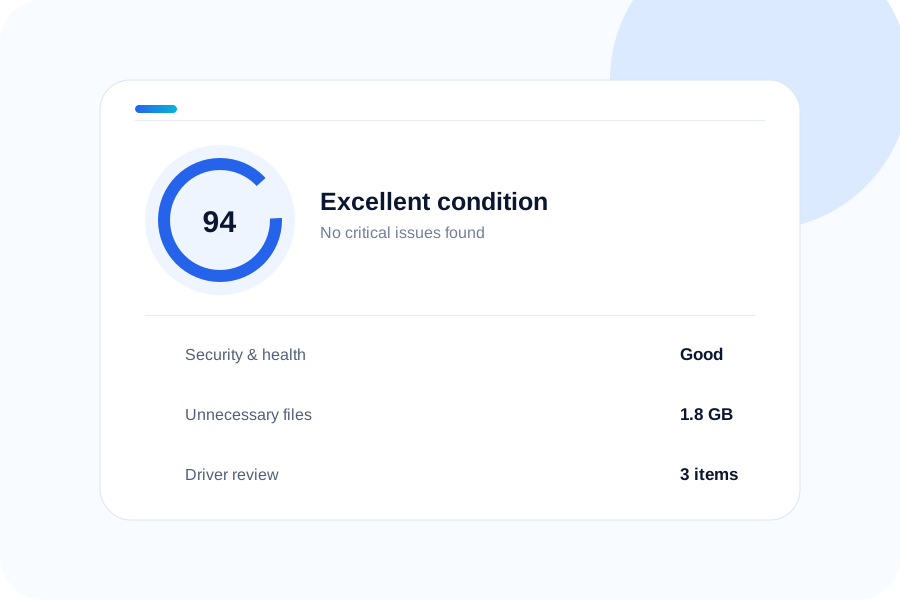
PC Care brings cleaning, driver discovery, performance checks and support into one polished dashboard—so everyday maintenance stays simple.
Last check · Just now
Focused tools, clear explanations and a dashboard that tells you what matters without burying you in technical jargon.
Review installed drivers, identify update opportunities and keep maintenance steps easy to understand.
Explore Driver UpdaterFind unnecessary user files and reclaim space with a focused, transparent cleanup workflow.
Explore PC CleanerManage your plan, download history and support requests from one secure account area.
Get supportNo mystery scores or walls of technical text. PC Care explains what it found, why it matters and what you can do next.
A modern dashboard turns scattered maintenance tasks into a simple routine.
“The dashboard makes it easy to see what actually needs attention instead of throwing technical warnings at me.”
Everyday PC userWindows“I like having cleanup, driver review and account support in one place. The interface feels clear and modern.”
Small business userWindows + macOS“The biggest improvement is clarity. I can understand the result before deciding what maintenance to run.”
Home office usermacOSPC Care also includes Security, Performance, Startup, Windows Update, Installed Apps, in-app Device Manager, selective cleanup, driver backup, support, settings and website-connected licensing.
11 scan categories, detailed results, safe selection and cleanup actions.
Inventory, problem devices, Windows Update driver checks, approved installs and backup.
Security, Performance, Startup, Windows Update and Installed Apps — inside PC Care.
In-app support tickets, settings, plan purchase and website-connected activation.